Law firm organisation
Digitised, but not automated: why law firm software still leaves so much manual work
Law firms work digitally, but they are hardly automated. Outlook, beA, practice management software and the AI assistant each store their part, and people carry the information from one program to the next. Here you will read what that costs every day, what real automation looks like and which five questions to ask your software.
By Dr. Sascha Theißen · Lawyer (Rechtsanwalt) & Founder of MAIQ ·
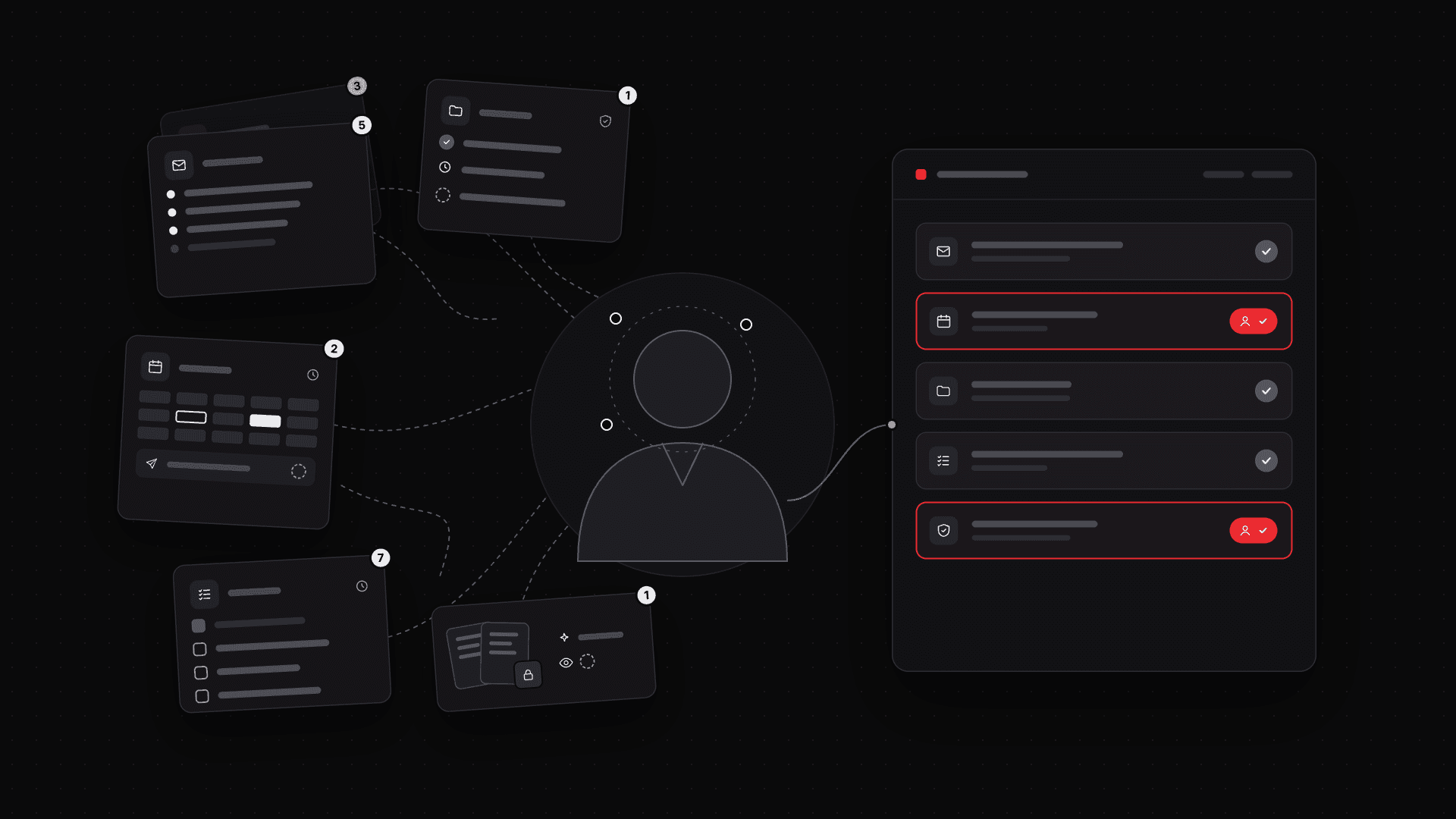
One digital matter. Many manual steps.
We spent a whole day looking over the shoulder of a Rechtsanwaltsfachangestellte (a qualified legal assistant, ReFa for short). Not the lawyer. Her.
A letter comes in via the beA (the German lawyers' official electronic mailbox). She downloads it. Unzips the ZIP file. Extracts the PDF. Renames it. Adds the receipt stamp. Files it in the matter. Forwards it to the lawyer, notes the deadline.
Eight minutes per item. Ten items a day. Eighty minutes before the lawyer has read a single line.
None of it was demanding.
Email is no better. A client sends a letter from the other side with a deadline to respond. Someone has to find the matter, export the email and the attachment, rename and file them, enter the deadline, set the advance reminder and create a task for the responsible lawyer. Only then does the real work begin.
The lawyer researches in beck-online, dictates or has an AI assistant suggest a draft. She copies the result into the firm template, saves it to the matter and sends the ReFa the task to "finish it". The ReFa adds the header data, formats the text, names the file correctly, saves it as a PDF and sends it back to the lawyer. The lawyer sends the brief via the beA. The ReFa waits ten minutes. Then she opens the sent message and checks that it says "successful". She exports the ZIP file as proof of sending, renames it and saves it to the matter. She writes an email to the client "for your information", attaches the brief and, after renaming it, files that email in the matter as well.
All digital. But how much of it did the software do by itself?
A self-employed lawyer needed one hour for the full journey of a single beA message. Log in, open it, unzip the ZIP file, rename every attachment one by one, assign it to the matter.
In another firm we counted 17 different programs in use on a normal working day. The interface between them? A person. A lawyer from a third firm estimates that 95 percent of his work actually happens in Outlook. For him, the practice management software is mainly the place where he files things afterwards.
Each of these programs does what it was bought for. Outlook manages email and calendars. The beA connects to courts and colleagues. The practice management software keeps matters, deadlines, time and invoices. Dragon takes dictation, beck-online or juris supply the case law. The AI summarises uploaded briefs and delivers text that then has to be copied into the Word template and formatted.
The data is digital. The work is not.
The problem sits between the programs
An email contains information that belongs in the matter. Often it only gets there if someone carries it over.
An administrative lawyer answers a client email directly in Outlook. Her reply is then missing from the matter until she saves it there by hand. If she forgets, nobody notices at first. "If someone does notice, the tedious search begins."
In another firm the rule is: whoever sends the email files it. So whether the matter is complete depends on what else was urgent for whoever happened to press Send.
A document contains a deadline. Every time, someone has to spot it, check it and transfer it to the deadline calendar.
A lawyer has an AI tool prepare a brief. Afterwards she copies the result back into the practice management software and triggers the next step herself.
And inside the practice management software a lot stays manual too: opening matters, entering master data, assigning documents, creating tasks, recording time.
The information has long been digital. Even so, people read it, copy it, carry it on and translate it into the next step. Every day.
The real work hides between the steps
What is easy to overlook: it is not only the legal work on the case that takes time. Everything before, after and in between takes time too.
Downloading, renaming and filing documents. Transferring information from emails into the practice management software. Creating tasks, clarifying who is responsible, chasing what is done. Setting and working through follow-ups. Entering the same details in two or three places because the programs do not talk to each other.
And searching. A lawyer knows the client's name. The search in the practice management software still does not find the matter, so he looks in Outlook and finds the client's email with the name of the opposing party. The software knows that name and finds the matter, in which the client's name is spelled exactly as he first searched for it. He loses about a quarter of an hour like this every day.
Not every day brings news in ongoing matters. Some lie dormant for months before the next brief arrives. Then you have to remind yourself quickly what it was about. That means reading the same briefs again that you read months ago, just to know where things stand. And to be able to start working.
It gets especially expensive when tasks go back and forth between lawyers and their assistants. Passing on information, answering questions, checking results. This work needs no legal expertise and moves no matter forward.
Each of these steps takes a few minutes. But it repeats in every matter, every day.
In firms without legal assistants, lawyers do all of this themselves. Between two briefs they maintain matters, sort emails and enter deadlines.
It is not the people. It is software that only stores and does not think along. That manages instead of relieving. What decides efficiency, then, is how many manual steps remain despite all the features.
What does real automation change in a law firm?
Let us take the same matter again. This time with a workflow that runs from start to finish.
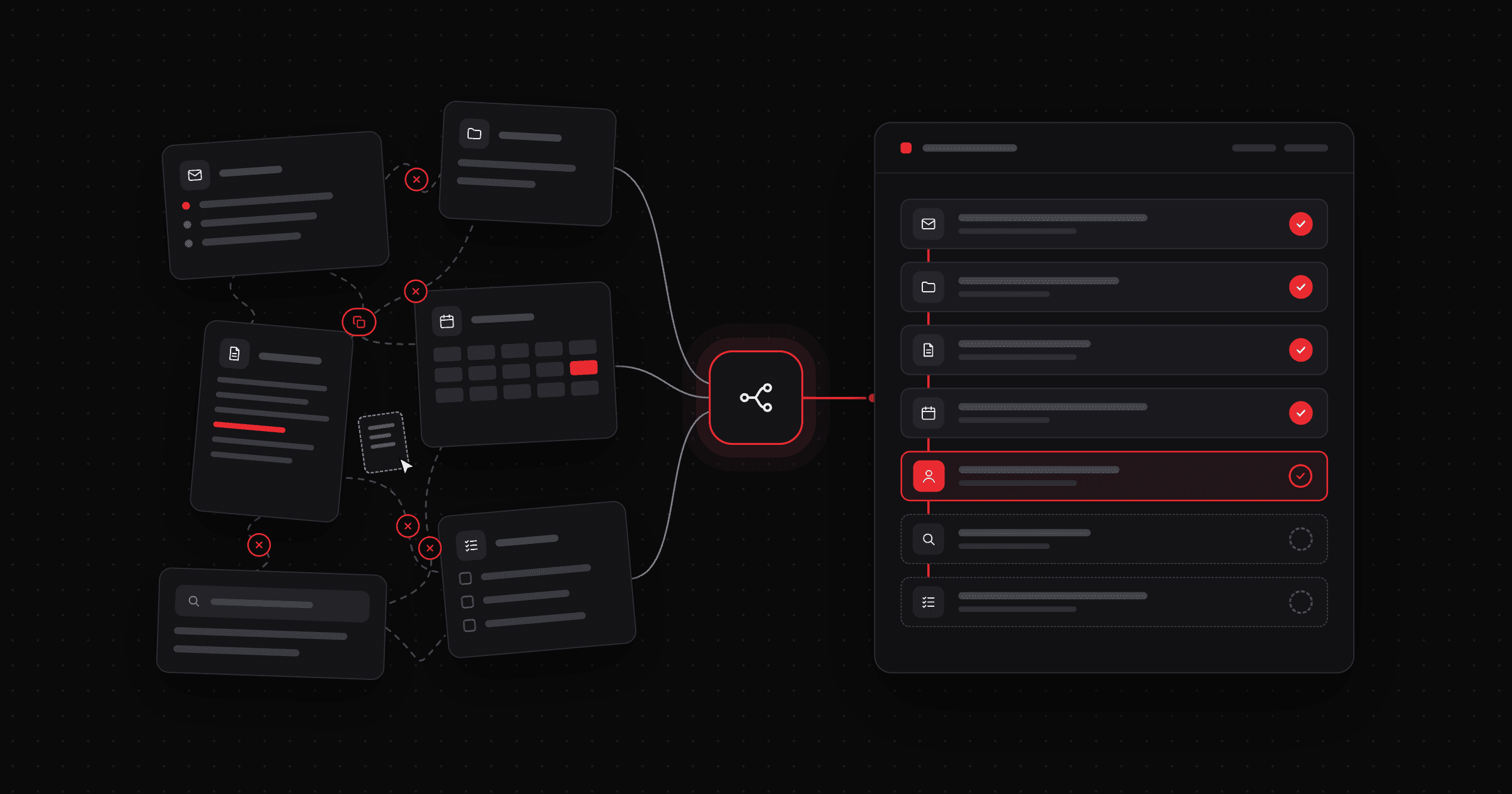
The client's email arrives. The system reads it, verifies the sender, recognises the matter and files the message and attachments in the right matter with the file name the firm wants.
It finds the deadline in the other side's letter, prepares the calculation and suggests the next tasks. The assistant or the lawyer checks and confirms what matters legally.
Instead of picking documents yourself, loading them into a chatbot and waiting for its groundwork, a matter only appears once all of that has been done in the background.
The lawyer opens the matter and has everything together: the other side's letter, the previous correspondence, the suggested deadline and the next task.
She starts straight away on the legal work, in the right firm template, with her own text modules. The usual steps an AI can take over have already happened in the background.
Nothing runs without people. For deadlines, legal assessments and binding communication, review and approval stay with a person. What should disappear are all the organisational steps in between that someone still does by hand today.
That changes the assistant's work too. Instead of downloading documents, renaming them and carrying them from one program to the next, she looks after the exceptions, the difficult cases and the clients.
And the lawyer no longer has to gather what she needs for the next decision. Even if she has not opened the matter for weeks, an AI-generated, always current overview tells her in under two minutes where things stand. Without reading the old correspondence.
That is the difference between digital administration and real automation.
Five questions to ask your software
How digital a firm is shows in the number of its programs. How automated it is only shows when you follow one matter from start to finish.
Take a typical incoming item and ask five questions:
1. What does our software really do by itself?
Does it recognise information and process it? Or does it only show input forms in which someone fills in every step by hand?
2. How often does an item change programs?
What happens to an email or a beA message? Deadlines. The use of AI. Does the information reach the matter by itself, or does someone carry it there?
3. How often do we record the same thing twice?
Are clients, parties, appointments or activities entered in several places, documents uploaded or downloaded, although they already exist in another program?
4. How much time do filing, assigning and checking cost us?
How many documents does someone name and save by hand every day? How often does someone check whether a task is done, a document sent or a deadline entered? Measure it for one day. Eight minutes per item add up faster than you think.
5. Does our software know single steps or the whole process?
Does it work out from an incoming item what needs to happen next, and prepare it? Or do people make the connection between email, matter, document, task, deadline and billing themselves?
Anyone who goes through these questions with a real matter quickly sees where digitisation already carries the load and where manual work remains.
The next generation of law firm software has to do more than administer
Classic practice management software has achieved a lot. Matters, documents, deadlines and invoices are largely electronic today.
The next step goes further. With AI, software can understand incoming information, recognise connections and derive the next steps from them.
In future, law firm software has to know what a document says, which matter it belongs to and what has to happen next. Where it is stored is the easy part.
That is what we are working on with MAIQ: an AI-native Legal Operating System that connects communication, matters, documents and deadlines in one workspace. It recognises deadlines, names and files documents properly, suggests tasks and guides you through the process. It prepares all documents so that AI agents can use them efficiently, so nobody has to play the human interface any more. Where beA, email and Microsoft Teams chats work equally simply and are all captured. And anyone returning to a matter after weeks already gets a summary in MAIQ today of where things stand. We are building further features step by step, together with our design-partner firms. The software should take over the routine, and you decide where your experience counts. How MAIQ works
If you work without a legal assistant, you carry all of this yourself. Which five organisational risks matter most then is the subject of our article A law firm without a paralegal.